



If you’re running a Shopify store, speed matters more than you might think. A slow website doesn’t just frustrate visitors—it kills conversions, reduces ad performance, and even affects your Google rankings.
Recently, one of my clients approached me with this exact issue. Their Shopify store looked stunning but was painfully slow. Loading times of 6–8 seconds and a Google PageSpeed score of 48 on mobile and 65 on desktop were costing them sales.
Here’s a deep dive into how I optimized their Shopify store, the tools I used, and the exact steps that helped us achieve a 90+ PageSpeed score.
Step 1: Understanding the Problem – Why Their Store Was Slow
The client’s store had:
- A premium Shopify theme with multiple animations
- 12+ installed apps
- Unoptimized product images and banners
- Custom scripts left over from previous developers
Despite looking visually appealing, every page was overloaded. Users had to wait several seconds for pages to load, resulting in high bounce rates and lost sales.
The challenge: Improve speed without compromising the design or essential functionalities.
Step 2: Conducting a Full Website Audit
Before touching anything, I ran a full performance audit using:
- Google PageSpeed Insights – baseline metrics for mobile and desktop
- Shopify Theme Inspector – to detect render-blocking scripts
- GTmetrix – to analyze page load waterfalls
- Manual code review – looking for unused scripts, redundant code, and slow-loading elements
The audit revealed major issues:
- Too many apps running site-wide
- Unoptimized, heavy images (2–4MB each)
- Render-blocking JavaScript/CSS
- Old Liquid snippets causing delays
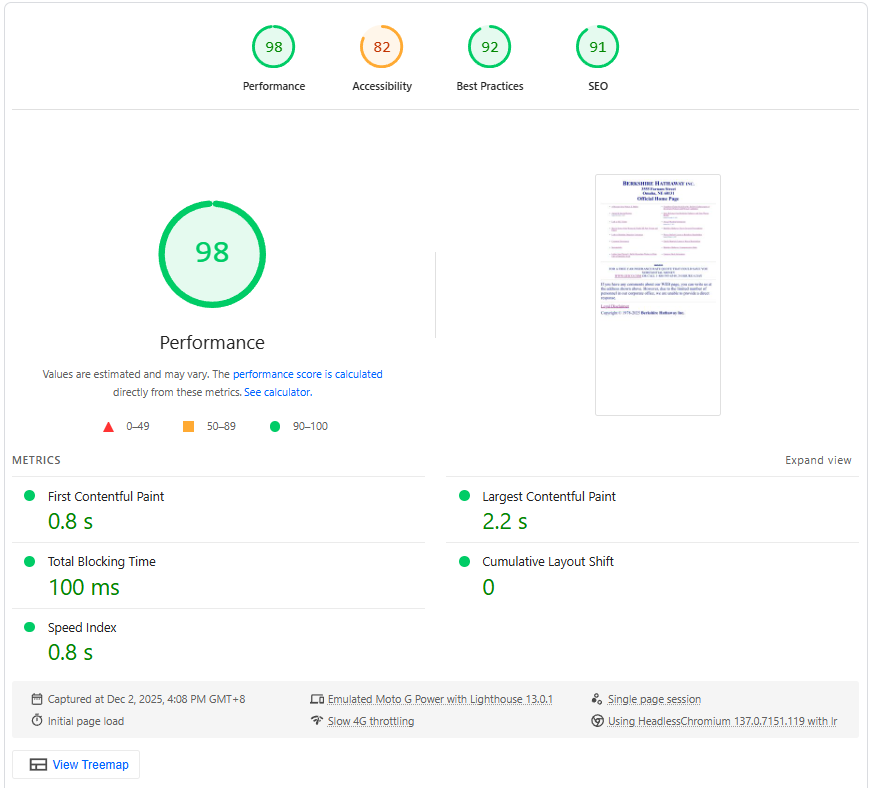
Step 3: Reducing App Bloat Without Losing Functionality
One of the biggest culprits of slow Shopify stores is app overload. Many store owners install multiple apps, unaware that each one adds extra scripts and slows the site.
Here’s what I did:
- Removed unused apps like an old review app and a rarely used chat widget
- Replaced heavy apps with lightweight alternatives, like:
- Loox Reviews (for photo reviews, optimized for speed)
- Plug in Speed Optimizer (helps clean up and minify scripts)
- Klaviyo Lite (instead of heavier email plugins)
- Built custom lightweight functionality for features they wanted to keep
Result: Reduced app-related scripts by 50%, which significantly improved load time.
Step 4: Image Optimization – The Game Changer
Images are often overlooked but are critical to site speed. This client had high-resolution banners and product photos straight from the camera.
Optimization steps:
- Converted all images to WebP or JPG for faster loading
- Compressed images without losing quality (3MB banners → ~200KB)
- Resized images to their display dimensions
- Implemented lazy-loading for images below the fold
Tip: I recommend the Shopify app TinyIMG SEO & Image Optimizer, which automatically compresses images and generates WebP versions without losing quality.
or you manually change all the image with Image Converter and Image Optimizer like Tiny PNG (Image Compression) and Free Convert (For Converting Image to Webp to JPG)
Step 5: Minifying Code and Cleaning Up Theme
Next, I cleaned the theme:
- Removed unused CSS and JavaScript
- Minified all scripts
- Removed duplicate Liquid code and legacy snippets
Shopify plugin suggestion: Speed Boostr – helps minify CSS/JS and defer non-critical scripts for faster rendering.
Pro tip: Keep scripts and CSS lean, and avoid heavy libraries if they’re not necessary.
Step 6: Preloading Critical Assets
Small optimizations can make a huge difference in perceived speed. I added:
- Preload fonts for faster text rendering
- Prefetch key scripts for essential features
- Preconnect to third-party domains like analytics or apps
This ensures that critical resources load early, improving the Largest Contentful Paint (LCP) score dramatically.
Step 7: The Results – A Shopify Store That Flies
After all optimizations:
| Metric | Before | After |
|---|---|---|
| Mobile PageSpeed | 48 | 92 |
| Desktop PageSpeed | 65 | 98 |
| Load Time | 6–8s | 1.8s |
The client reported:
- Higher add-to-cart rate
- Better ad campaign ROI
- More organic traffic due to improved SEO
- Happier customers and lower bounce rates
Step 8: Lessons Learned
- Website speed = conversions – every second counts.
- Not all apps are created equal – audit regularly.
- Images matter more than you think – optimize for WebP and lazy-load.
- Small tweaks make a huge difference – minify, preload, defer, and clean code.
Optimizing a Shopify store doesn’t mean compromising design or functionality. With the right tools and techniques, you can achieve 90+ PageSpeed scores and deliver a fast, user-friendly store.
Recommended Shopify Apps for Speed Optimization
- TinyIMG SEO & Image Optimizer – compress and convert images to WebP
- Loox Reviews – lightweight review app with photo support
- Plug in Speed Optimizer – minify scripts, CSS, and Liquid
- Speed Boostr – advanced code optimization and deferred loading
- Shopify Analyzer – detect performance bottlenecks and app conflicts
Conclusion
A slow Shopify store is like leaving money on the table. By auditing your site, removing unnecessary bloat, optimizing images, and cleaning your code, you can drastically improve speed—and sales.
If your store is underperforming, a PageSpeed audit and optimization plan could be the most profitable investment you make this year.
